
Present from anywhere.Reach every screen.
One presentation. Every screen. You in control.
From workaround to control
Before you step on stage, how many problems can still happen?
A presentation should not require duplicate files, rebuilt formatting, extra equipment or improvisation. Presentor preserves your content and expands what you can do live.
Stop switching files
Present PDF, Google Slides, PowerPoint Online, Lovable and links in the format they already use.
Your layout reaches the big screen intact
No conversions that move elements, replace fonts or break text before the presentation.
See what the audience cannot
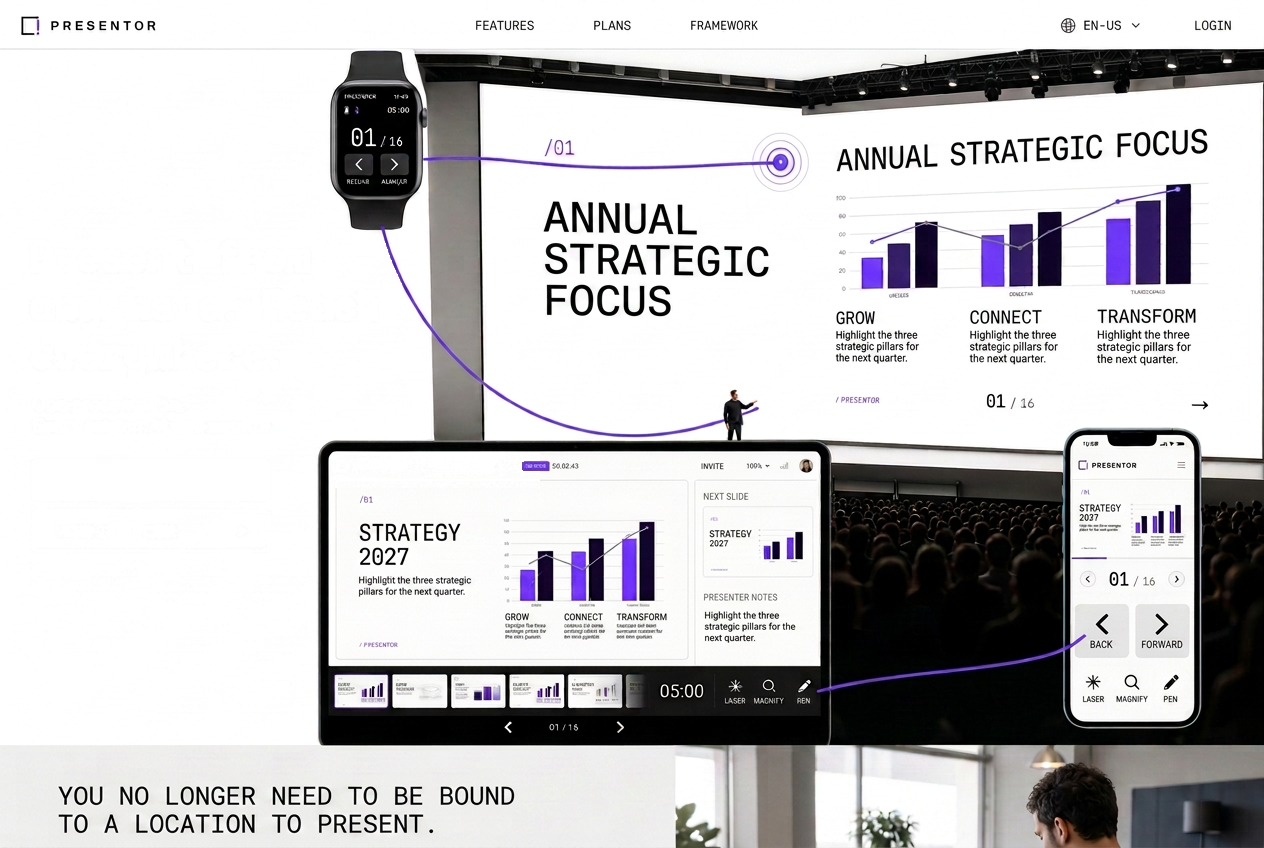
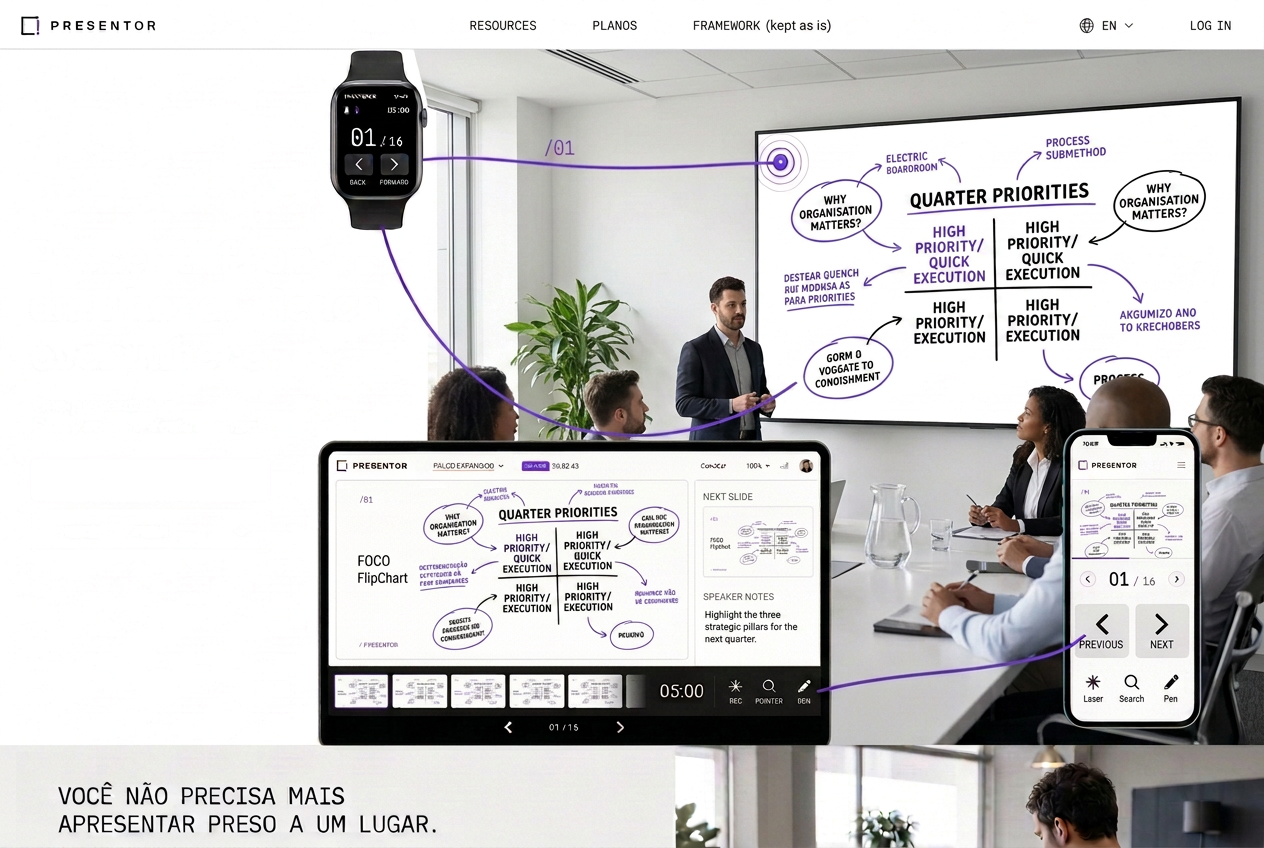
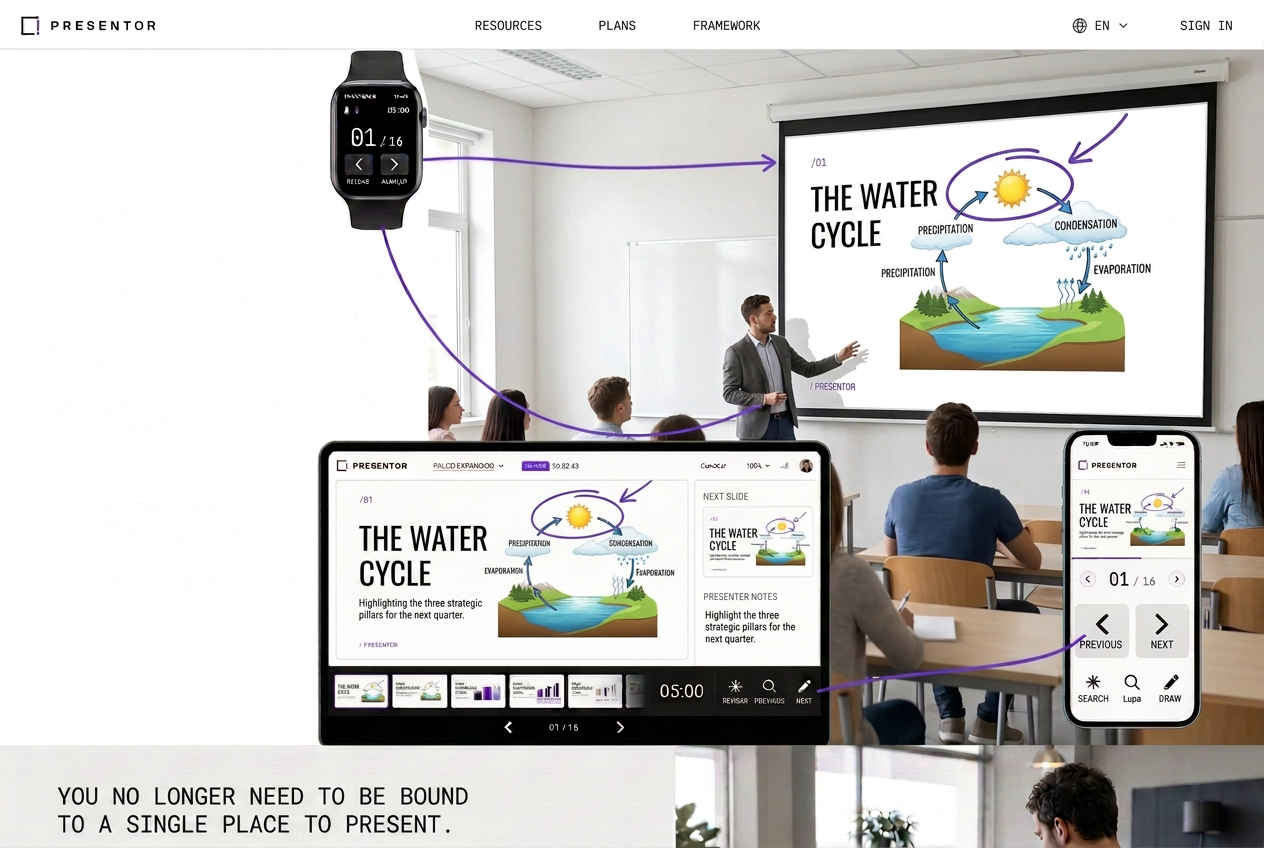
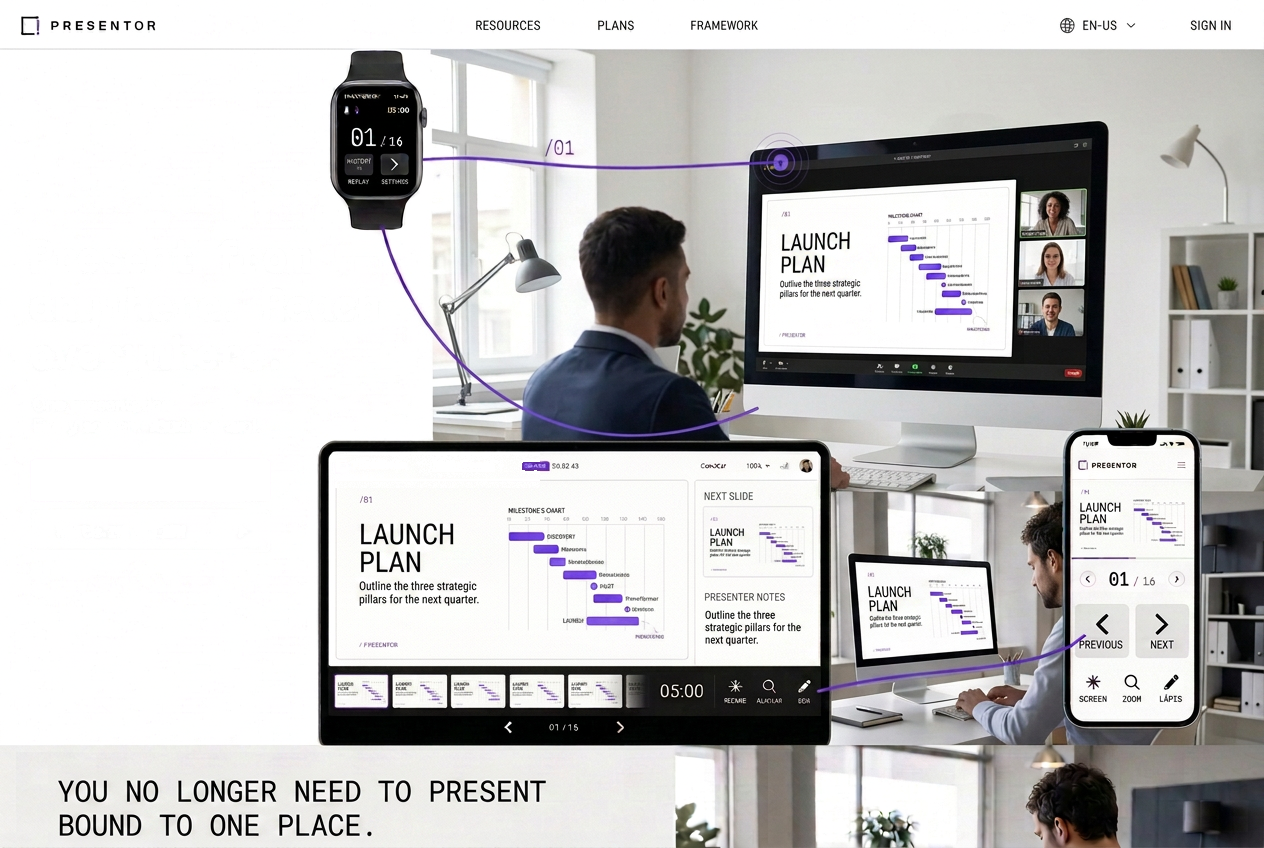
Keep the current slide, next slide, carousel, stopwatch and tools in an exclusive presenter view.
Turn presenting into interaction
Use laser, clickable zoom, pen, questions and polls to explain, highlight and engage the room in real time.
Leave the clicker in the drawer
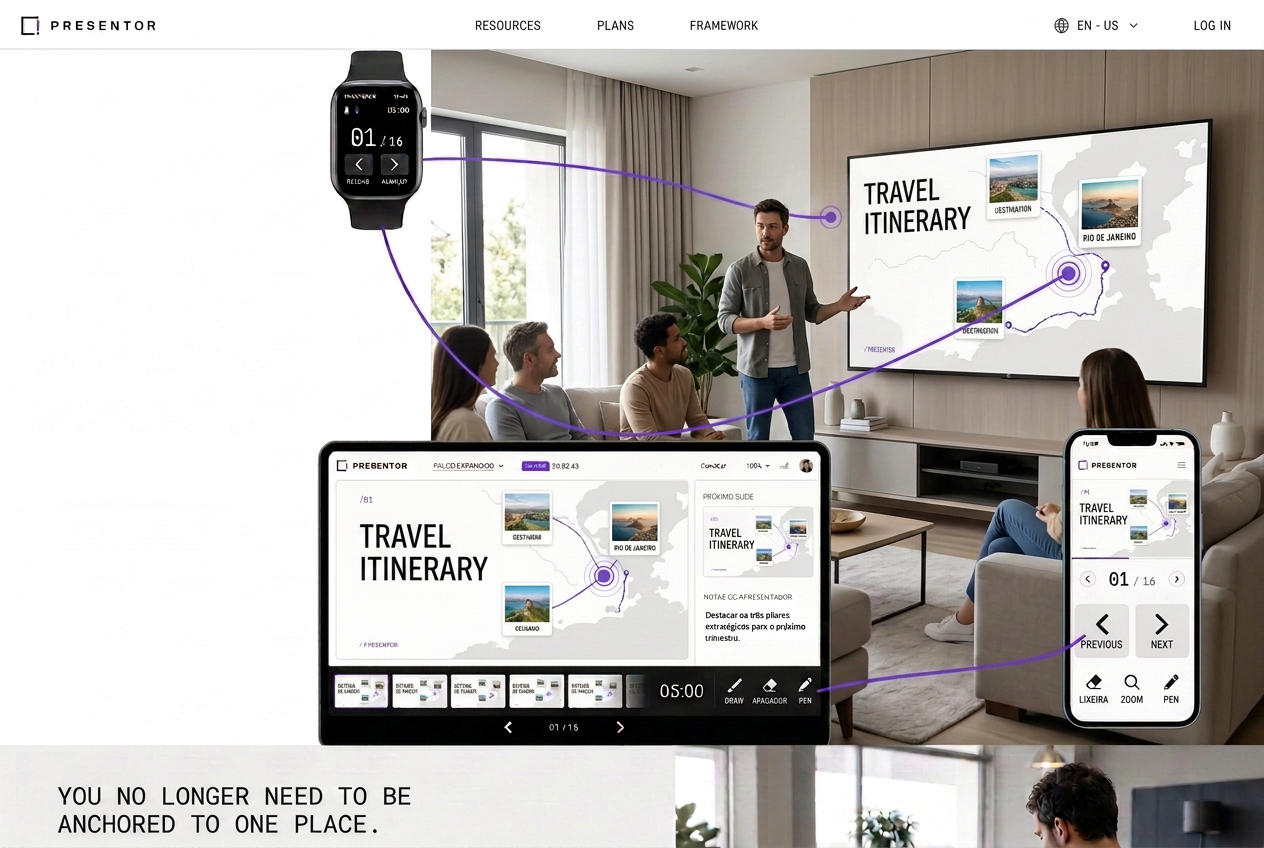
Control from a computer, tablet, phone or watch — without relying on dedicated hardware.
Do much more than advance slides
Trigger black screen, projected timer, screen sharing, guest access and participation tools without breaking the flow.
Bring the FlipChart onto the big screen
Create multiple pages, draw live, sync everything with the projection and export the result as a PDF.
Your content without breaks. Your presentation in the palm of your hand.
What it does
Six mechanisms that change the room
All available from your phone, tablet, computer — even your watch.
Multi-screen
Big screen, guest and panel in instant sync.
Laser pointer
Your finger becomes a dot of light on the projection.
Clickable zoom
Magnify and truly click on the magnified spot.
FlipChart
Draw on pages over the slide and export a PDF.
Projected timer
Full-screen countdown for the whole room.
Audience in
Questions and polls one command away.
How it works
Three screens, one presentation
Each screen has a role. They talk in real time, with no database in the live path.
- 01
Big screen
Opens on any computer wired to the projector. Just the code — no login.
- 02
Presenter
Full panel: current slide, next, carousel, stopwatch and every tool.
- 03
Guest
An extra screen for whoever takes the stage, with permissions you approve live.
Your content
Bring your content. Control everything with Presentor.
PDF, Google Slides, PowerPoint Online, a Lovable page or slides in code. Presentor finds the pages by itself.
The next presentation can be unforgettable.
Request access and try Presentor in your next presentation.